
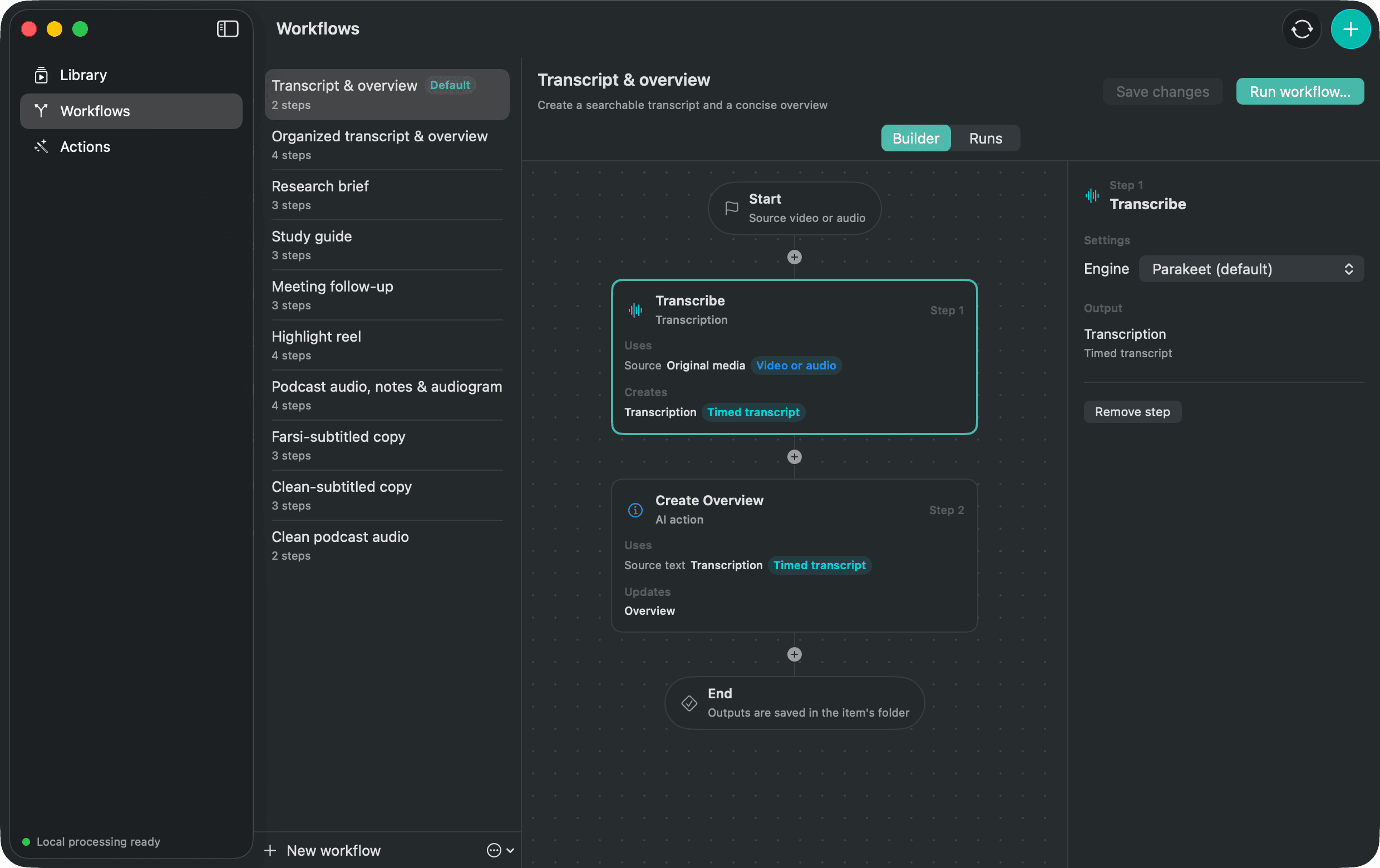
The Workflow
- 1Transcribe
- 2Create Overview
What comes out
Timestamped Markdown, timed JSON, SRT, VTT and an overview in Markdown.
Where this Workflow stops
The overview is grounded in the transcript. It does not inspect scenes or identify things that were never said.
Change the recipe
Starter Workflows are editable. Duplicate this one, remove a step, change its settings or place another compatible Action after it. The original starter remains available as a reference.