
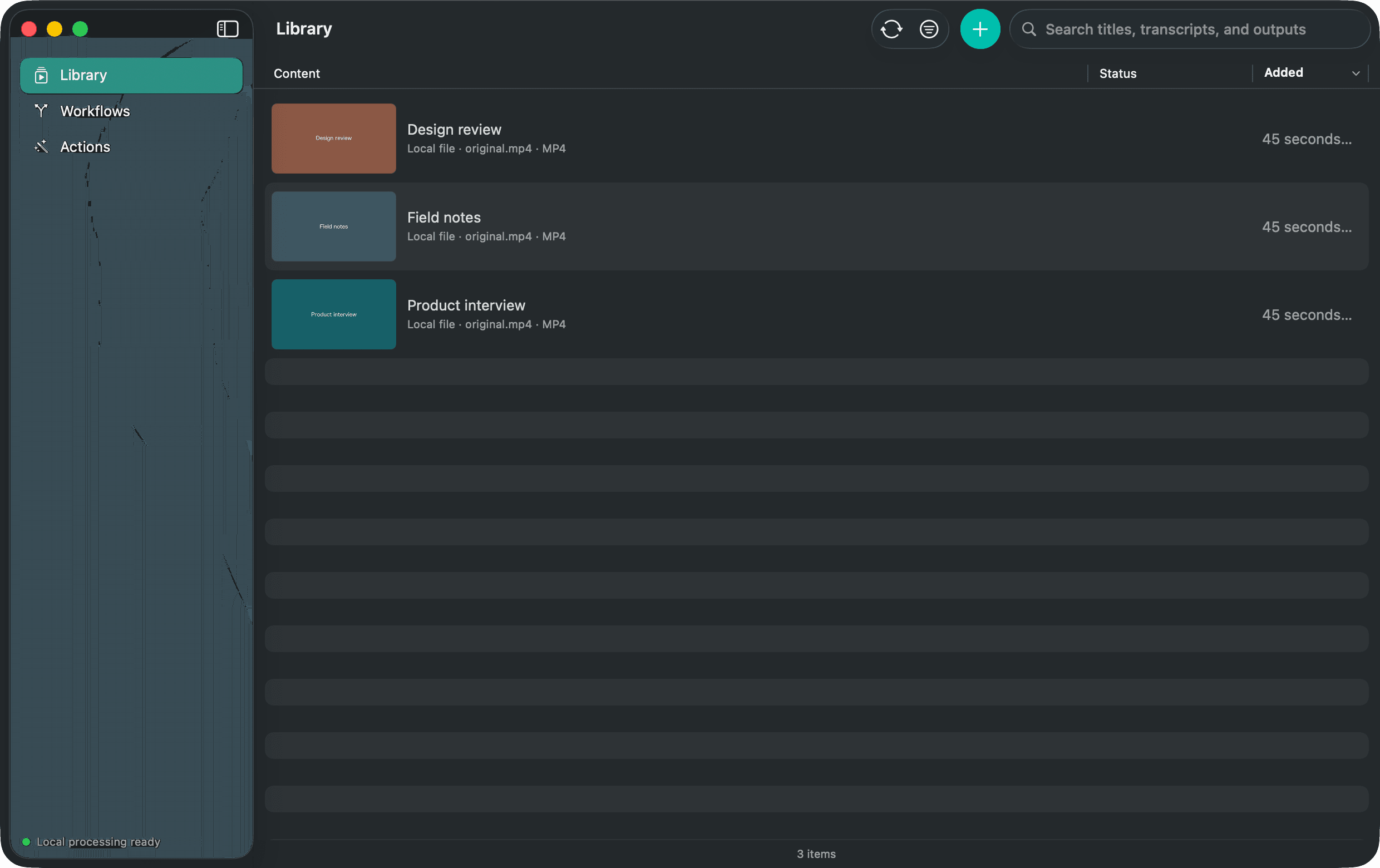
Let research workflows read the recording itself
A research agent can add an authorized media link, wait for Media Mill to download and transcribe it, search the local Library, and read bounded transcript passages with timestamps. It can compare those passages with other sources while keeping the recording and transcript on your Mac.
Twelve focused MCP tools
- Search the Library and inspect an exact item.
- Read bounded transcript passages and text outputs.
- List the Actions and Workflows that exist on this Mac.
- Add one or more supported links when the user asks.
- Run an existing Action or Workflow on identified items.
- Check or cancel durable operations.
- Approve or stop a Workflow waiting at Review.
Reading and running are separate permissions
Connections start off. Each assistant receives its own grant. Library reading can be allowed without permission to add links or run work, and Media Mill remains the only writer to Library files.
Build the agentic workflow around the outcome
- A due-diligence agent that gathers authorized talks, reads claims at their timestamps, and produces a source-backed memo.
- A learning agent that turns saved lectures into study guides, then searches the Library when a new question appears.
- A podcast workflow that adds an episode, creates notes and cleaned audio, pauses before a derived clip, and reports when the run finishes.
- A newsroom assistant that searches prior interviews for a quote, retrieves the exact passage, and keeps the original recording available for verification.
- A personal archive agent that tags and titles new recordings, then answers questions across the retained transcripts.