
Download video or audio from a supported link
Paste a single link in the app or add a batch. Media Mill fetches the media, keeps the source URL with the item, and can start the default or selected Workflow when the download is ready.
Save the page without copying its link
The Chrome and Safari extensions send the current page to Media Mill. Choose whether to add it only or run a Workflow as part of the save. The extension passes the link to the Mac app; it does not become a second media processor.
Use footage and recordings you already own
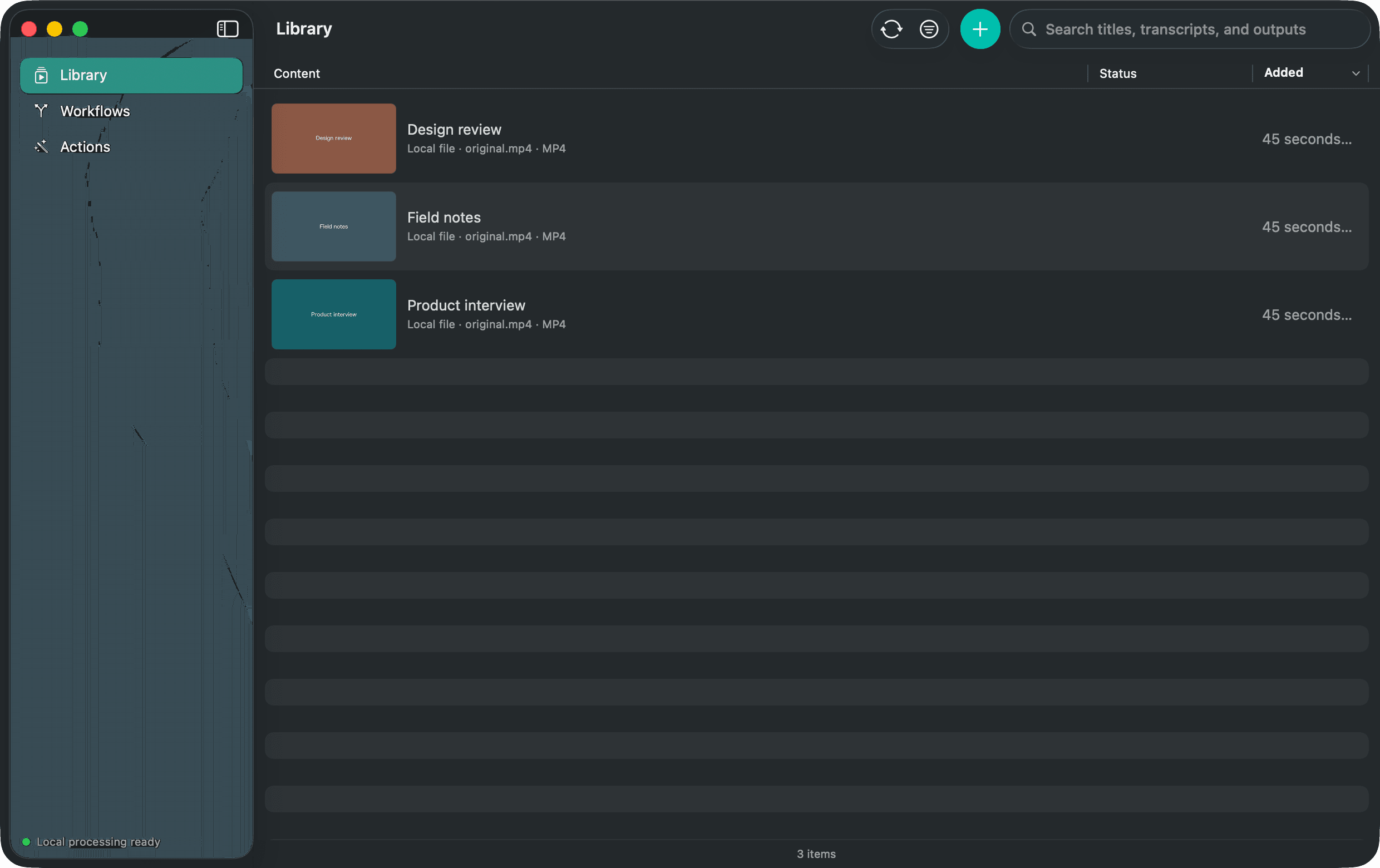
Choose one or more local video or audio files, including camera footage, interviews, lectures, podcast recordings, and exported edits. Media Mill copies each source into its own Library item and leaves the file at its original location untouched.
Keep capture close
Menu-bar Quick Add accepts one or more links without opening the Library window. The browser extensions and the app use the same readiness checks, duplicate handling, and Workflow choices.