
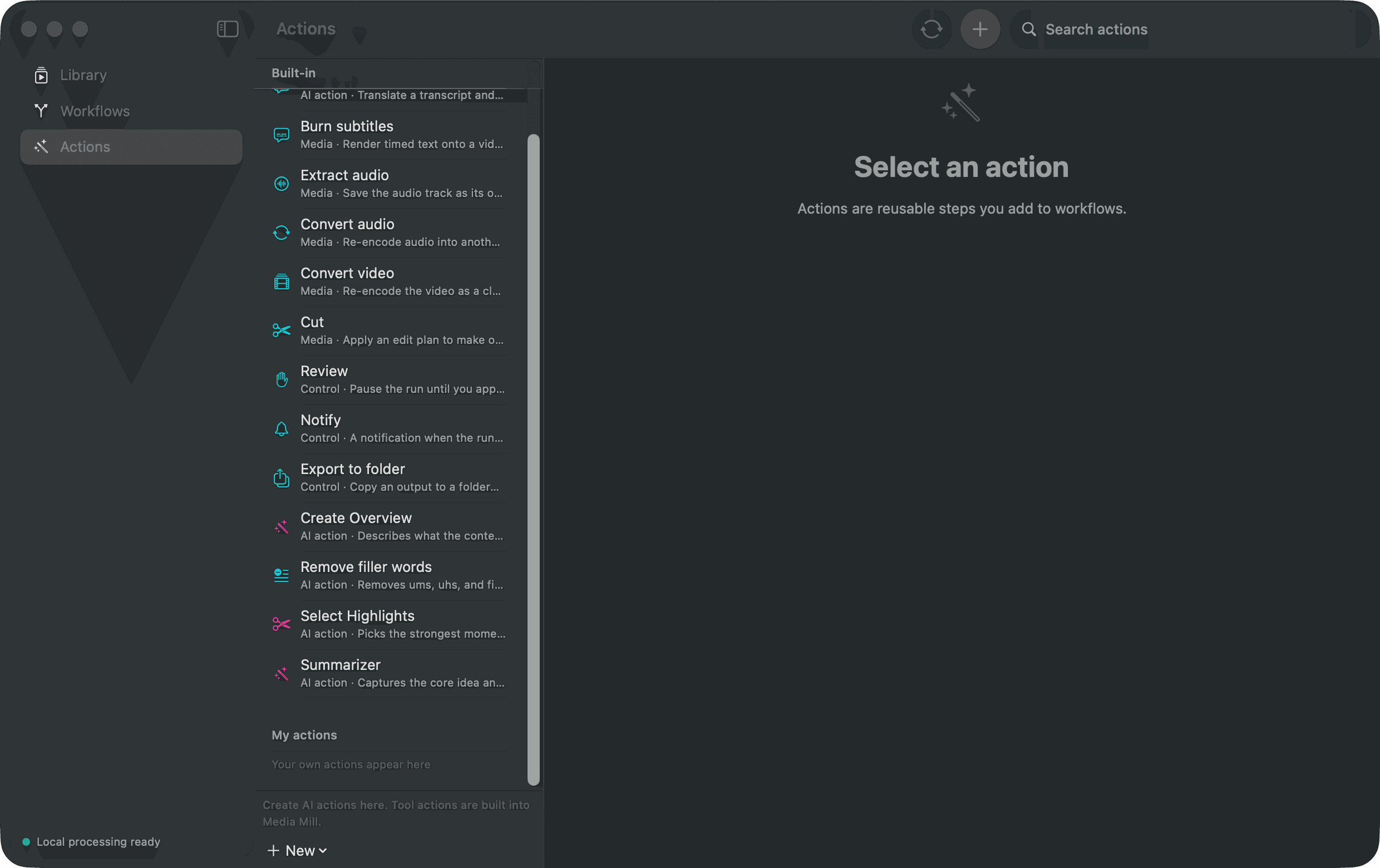
Media and control Actions
| Action | What it does | Produces |
|---|---|---|
| Transcribe | Turns speech into timed local text | Markdown, timed JSON, SRT, VTT |
| Translate | Translates timed transcript segments | Translated timed text, SRT, VTT |
| Burn subtitles | Renders captions into a new video | H.264/AAC MP4 |
| Extract audio | Makes an audio version of a video | Separate audio file |
| Convert audio | Changes an accepted audio file format | M4A/AAC, MP3, WAV or FLAC |
| Convert video | Changes an accepted video file format | H.264 MP4 or HEVC MP4 |
| Cut | Applies chronological keep ranges | New video or audio copy |
| Clean up audio | Normalizes speech and can soften steady noise | New cleaned audio file |
| Change speed | Makes a faster or slower copy while keeping voice pitch | New media copy |
| Make audiogram | Renders a waveform video with title and optional captions | MP4 |
| Review | Pauses a run for a human decision | Approval or stop decision |
| Notify | Sends a local completion notice | macOS notification |
| Export to folder | Copies chosen outputs to a folder you select | Exported file copies |
| Add tags | Applies chosen tags to the Library item | Updated Library record |
AI Actions you can edit
AI Actions run against the transcript, title and compatible earlier outputs. Edit their instructions or add your own. They do not inspect video scenes.
| Action | Default result |
|---|---|
| Create Overview | A concise overview in Markdown |
| Summarizer | A general Markdown summary |
| Select Highlights | A chronological Edit Plan |
| Remove filler words | A revised timed transcript |
| Tag automatically | Tags on the Library item |
| Title automatically | A new Library title |
| Create Research Brief | Claims, support, references and questions |
| Create Study Guide | Concepts, connections, recall questions and answers |
| Create Meeting Follow-up | Decisions, action items and open questions |
| Create Show Notes | Structured episode notes in Markdown |
Output type matters
A Markdown-producing Action can feed a later AI Action. An Edit Plan can feed Cut. A timed transcript can feed Translate or Burn subtitles. Tags and titles update the item instead of writing files.