
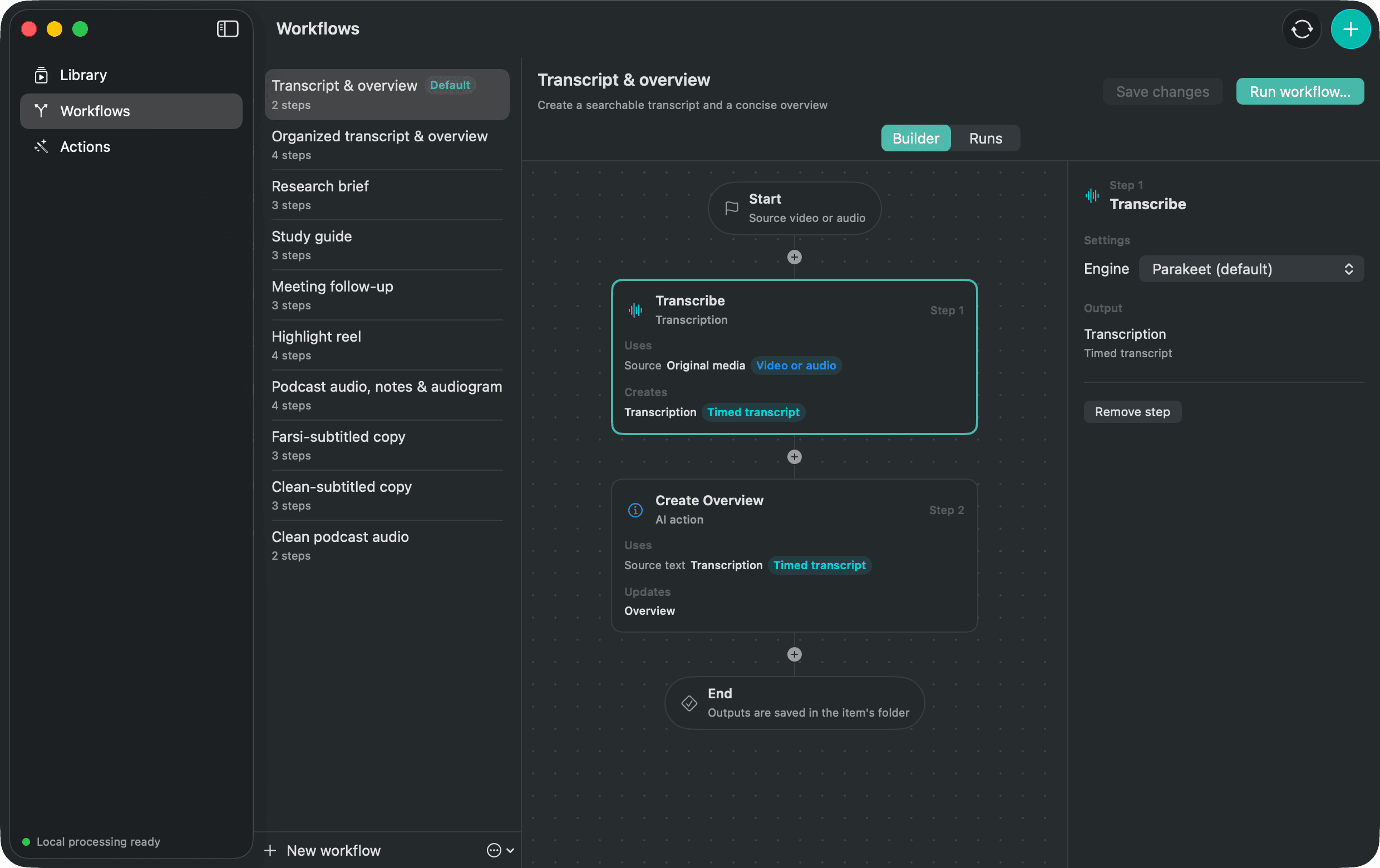
The Workflow
- 1Transcribe
- 2Select Highlights
- 3Review
- 4Cut
What comes out
An Edit Plan and one new video or audio copy made with hard cuts.
Where this Workflow stops
Cut joins selected ranges in order. It is not a timeline editor and does not add transitions, B-roll or scene-aware edits.
Change the recipe
Starter Workflows are editable. Duplicate this one, remove a step, change its settings or place another compatible Action after it. The original starter remains available as a reference.