 Unmarked
# Press kit
Unmarked, in one place
Verified product facts, clean artwork, and copy you can quote or cut down. Press questions go straight to the person who made the app.
One sentence
Unmarked is a free native Markdown editor for Mac. It reads, writes and presents ordinary Markdown files, typesets math, and exports to PDF, Word, and HTML.
Boilerplate
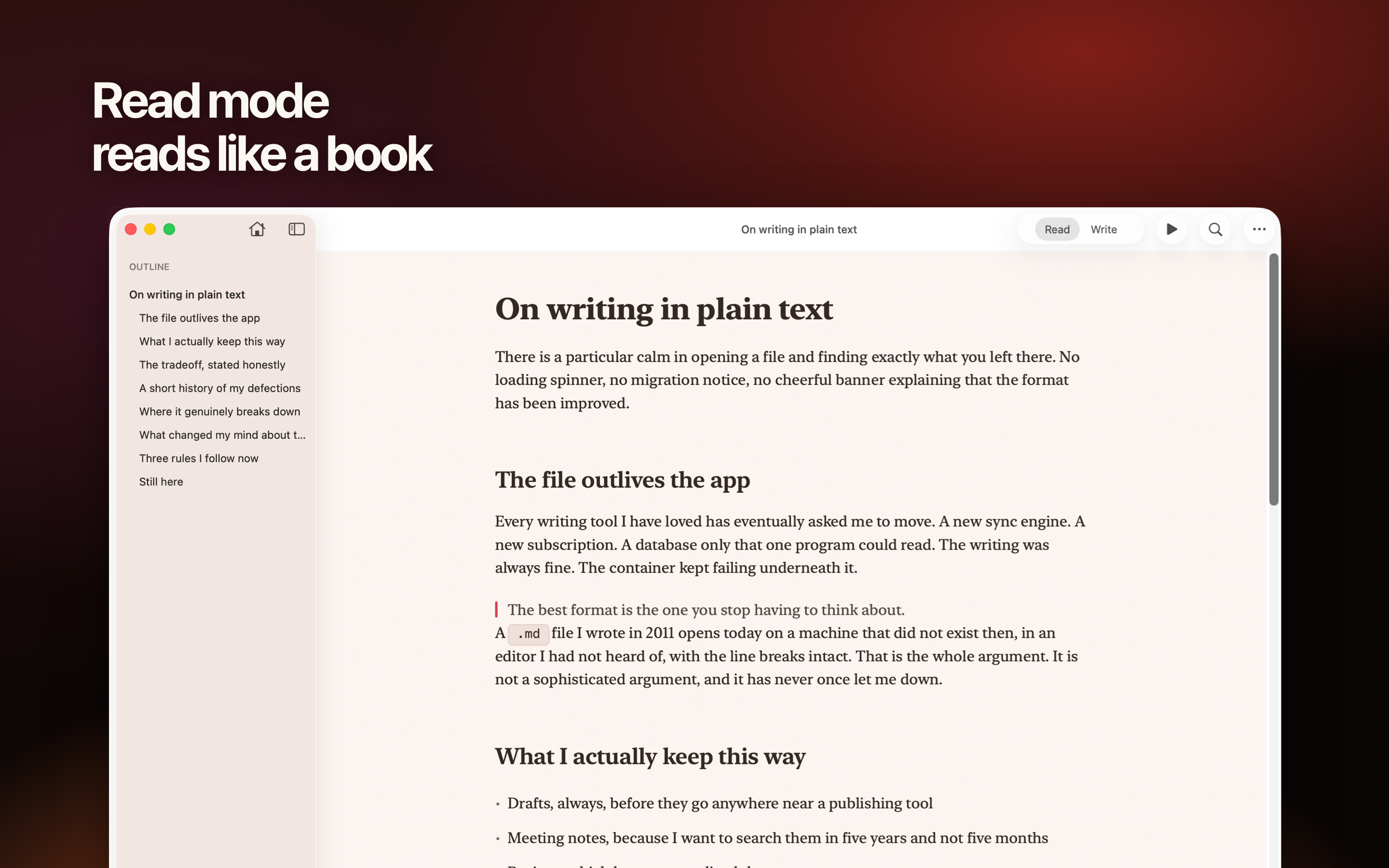
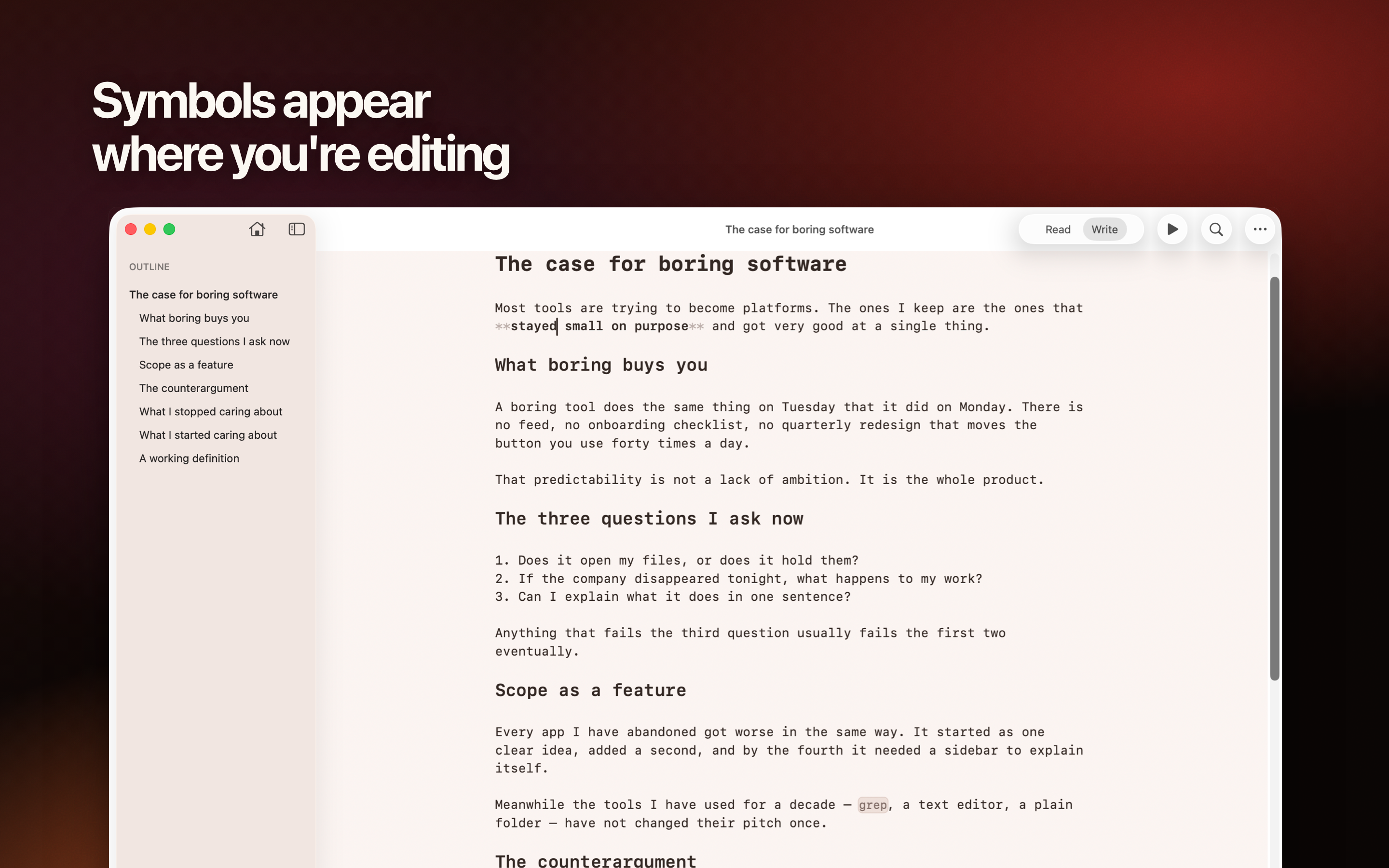
Unmarked opens Markdown files in place on the Mac. Write mode keeps syntax quiet until it is needed. Read mode shows the finished document, with typeset math and colored code, and Present turns headings and dividers into slides. When an AI assistant or another app changes the file, the window follows. Editable table grids, offline Mermaid diagrams, five themes, and PDF, Word, and HTML export are built in.
Verified facts
Checked against release 2.0.
- Current release
- 2.0 · October 16, 2026
- Price
- Free. No in-app purchases or paid tier.
- Requirements
- macOS 15 or later · Apple silicon and Intel
- Distribution
- Mac App Store and a Developer ID-signed, Apple-notarized disk image
- Privacy
- No account, analytics, telemetry, or cloud service. Makes no network connections of its own. App Store privacy: Data Not Collected.
- Built with
- Swift, AppKit and SwiftUI. A native Mac app of about 15 MB.
- Core work
- Read, write, present, print, and export ordinary Markdown files, with typeset math and colored code
- Export
- PDF, editable Word with real equations, self-contained or minimal HTML, and rich-text copy
App icon
Use the supplied artwork as-is. Leave clear space around the icon and do not add a mask, wordmark, or new background.
Name in print
Unmarked. The App Store listing is named “Unmarked — Markdown Editor.”
Screenshots
Six 2880 × 1800 PNG files, ready for publication.
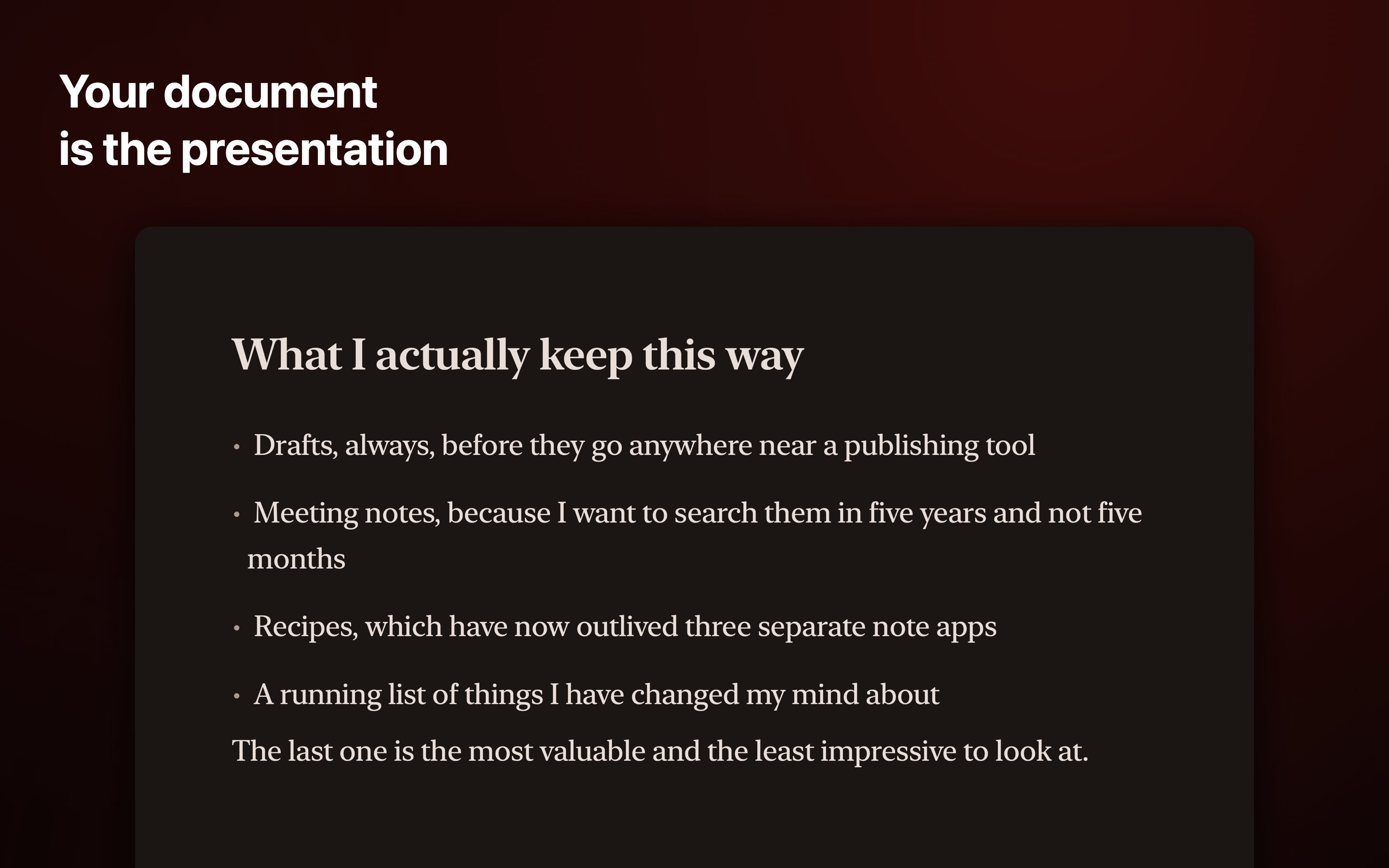
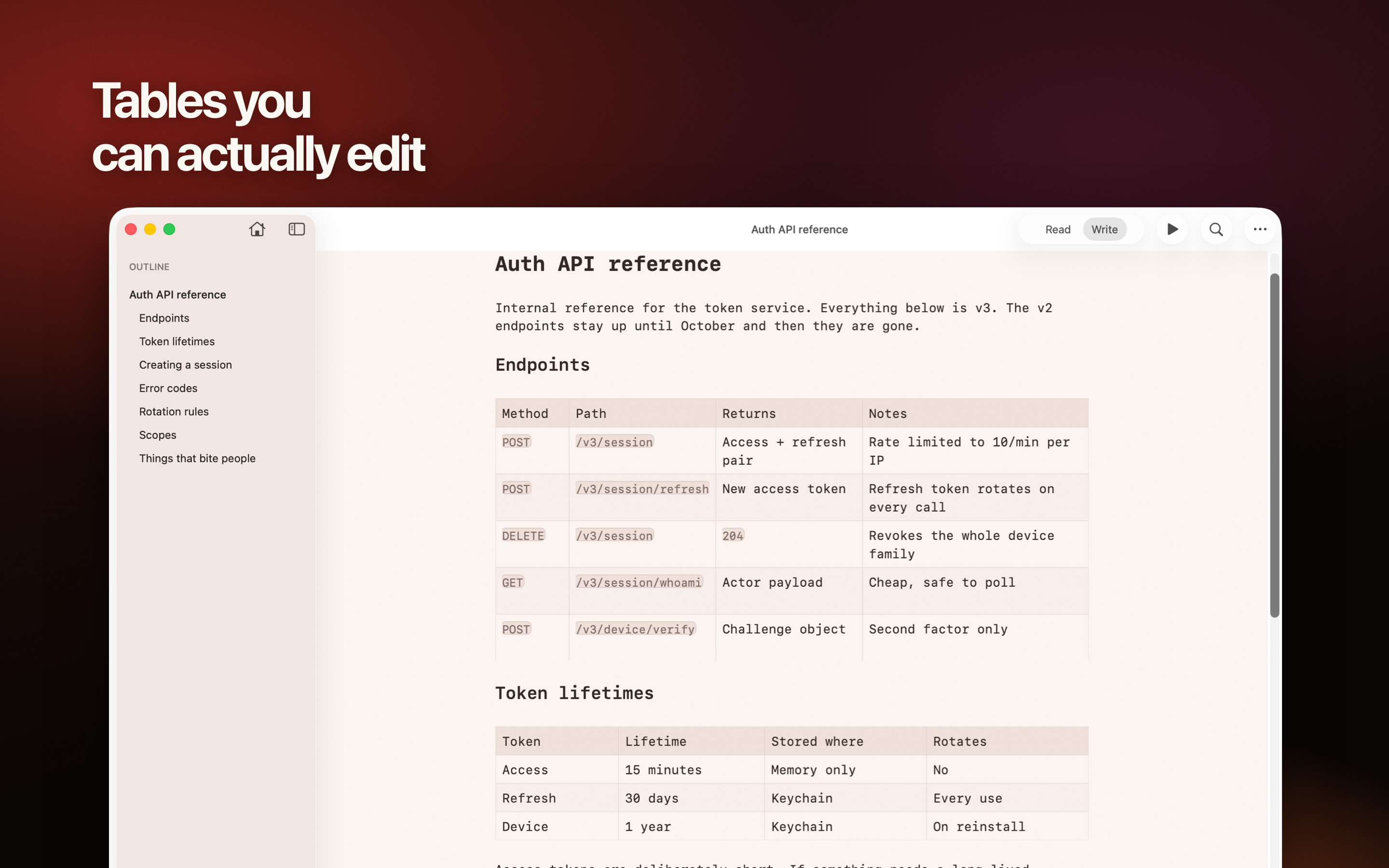
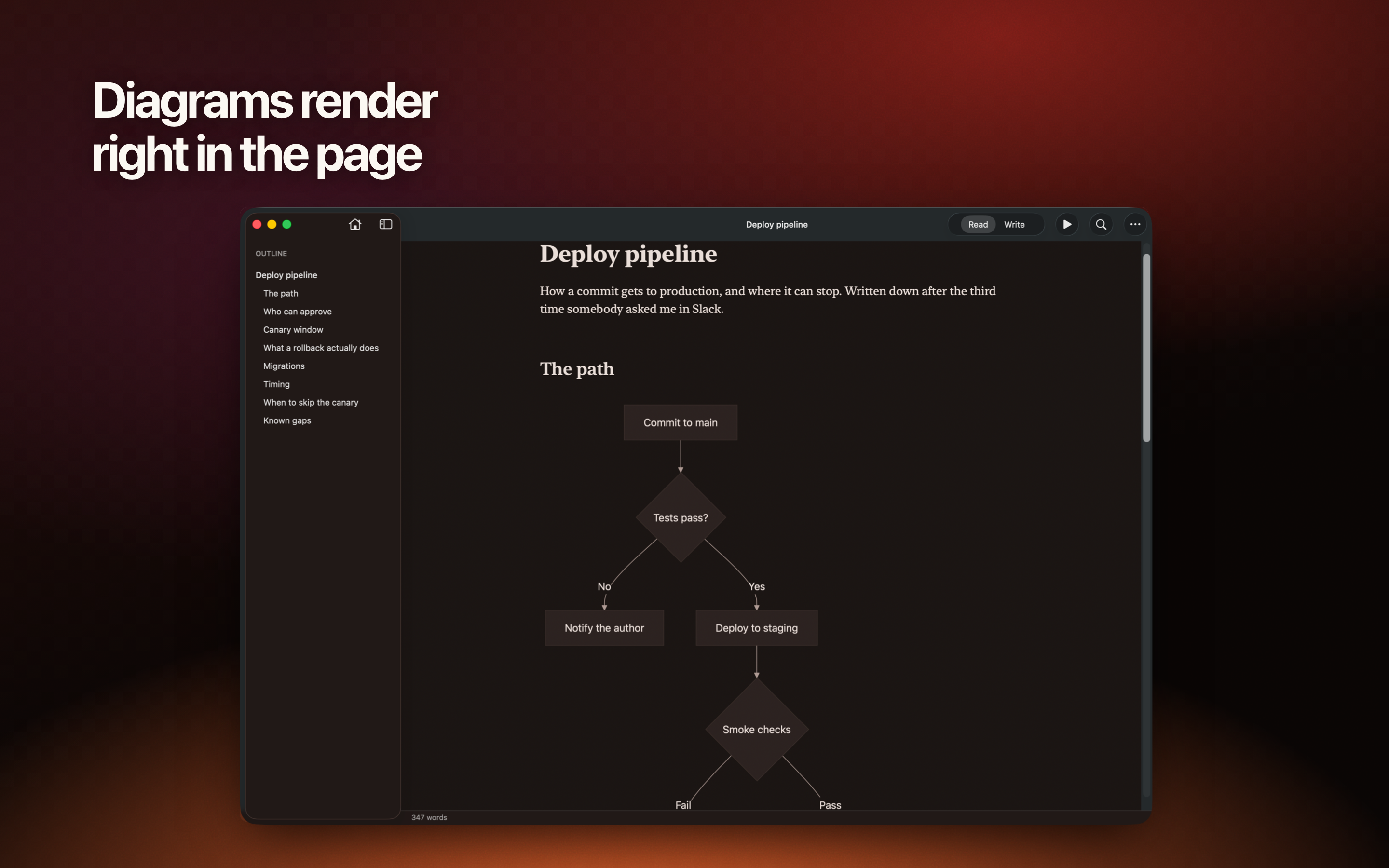
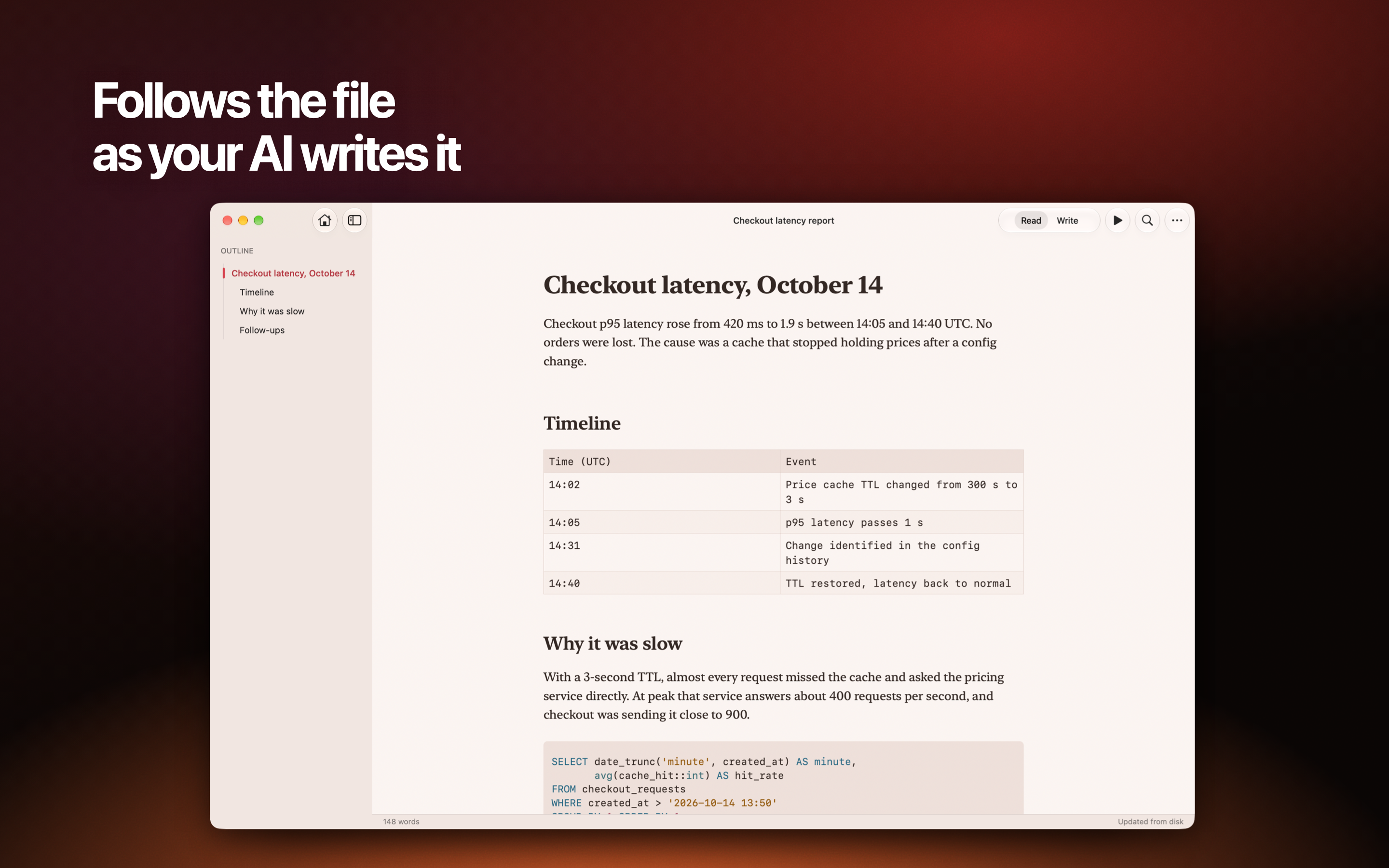
About the maker
Taher Khajeh Haghverdi is the founder of Untitled Apps and the developer of Unmarked. He built it after failing to find a simple Markdown reader that kept private work on the Mac and did not turn opening a file into a subscription.
Read the founder story